Ship Settings
Ship Settings controls how COMPASS calculates points and promotion requirements for your ship. All settings here only affect your ship — other ships continue using their own values.
Go to Command Dashboard → Ship Settings.
Ship Information
View and edit your ship's basic details — name, registry, class, region, charter city, chapter contact email, and website.
Go to Command Dashboard → Ship Information to update these.
Event Points
Configure how many activity points each event type awards to attending crew.
Go to Ship Settings → Event Points to set your values. Each event type has a default SFI value shown alongside your ship's current setting. Click Set Override to customize.
Note
If your ship is using default values, point calculations automatically follow any regional defaults your RC has configured. Setting a ship-level override locks your ship to your chosen value regardless of regional changes.
Academy Points
Configure point values for academy course completions by grade.
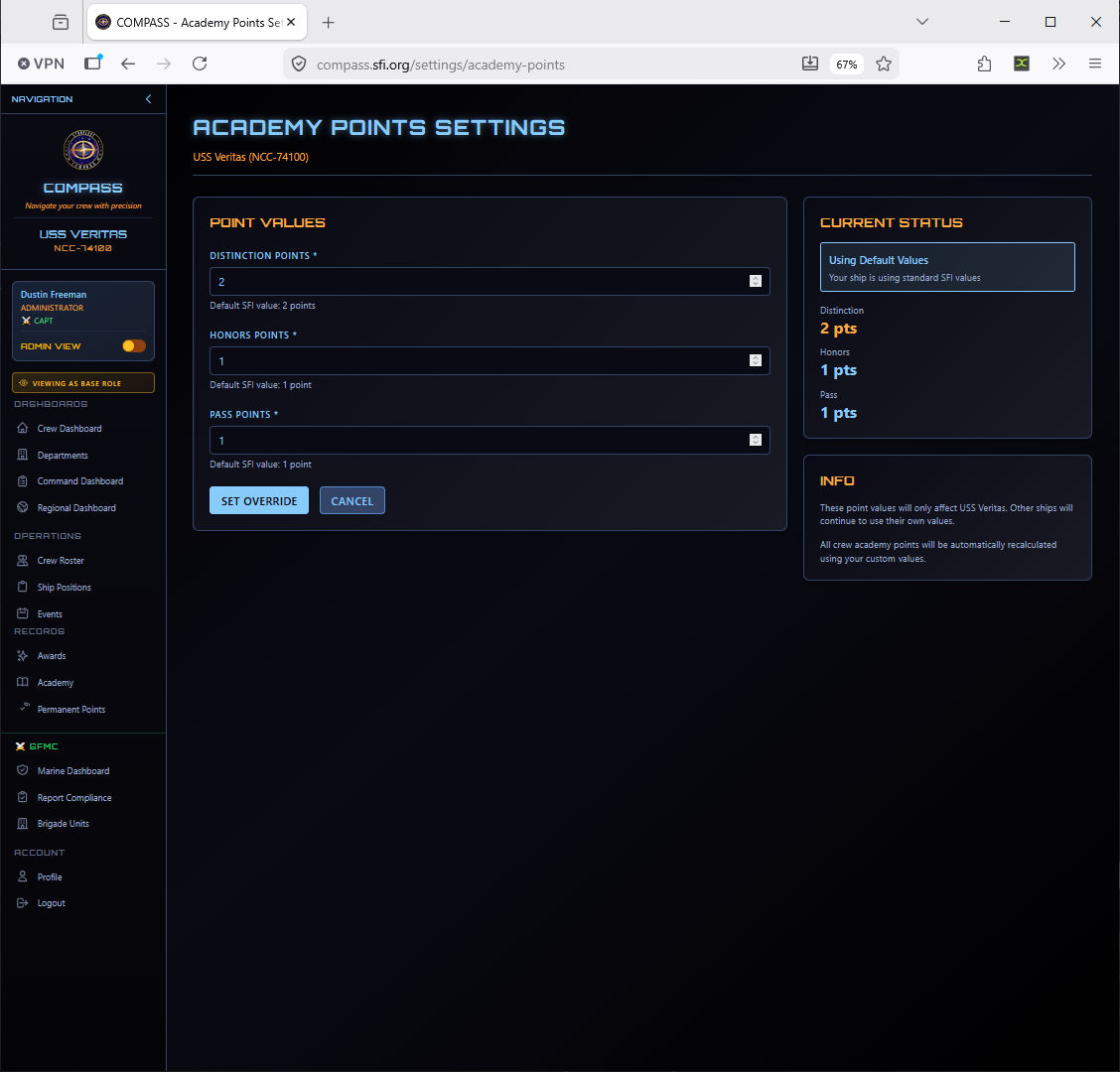
| Grade | Default |
|---|---|
| Distinction | 2 pts |
| Honors | 1 pt |
| Pass | 1 pt |
Override these if your ship uses a different point scale for academy completions.
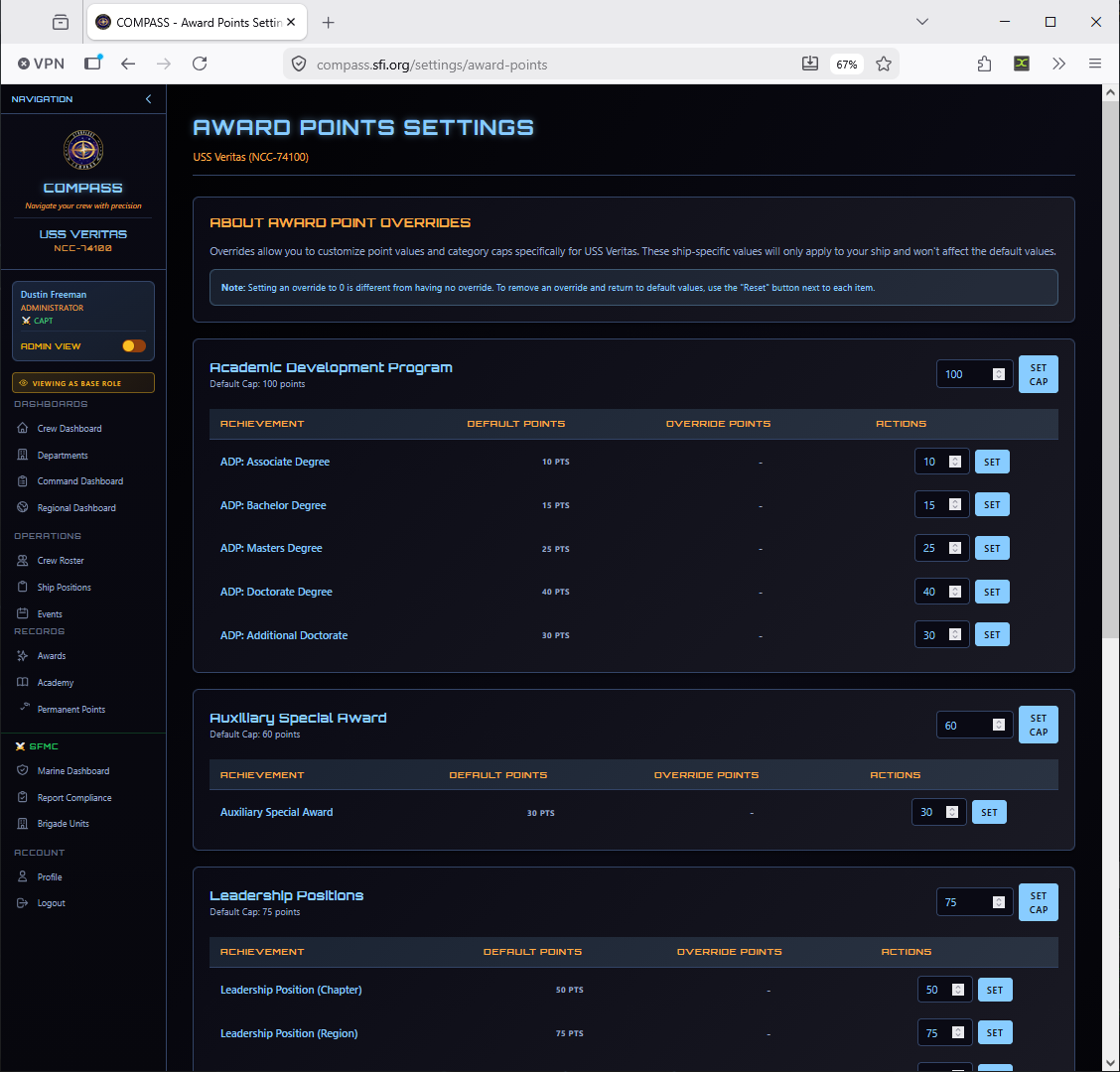
Award Points
Set the permanent point values awarded when a crew member receives each award. Organized by award category (Orders of Merit, Annual Awards, Regional Awards, Ship Awards, Auxiliary Awards).
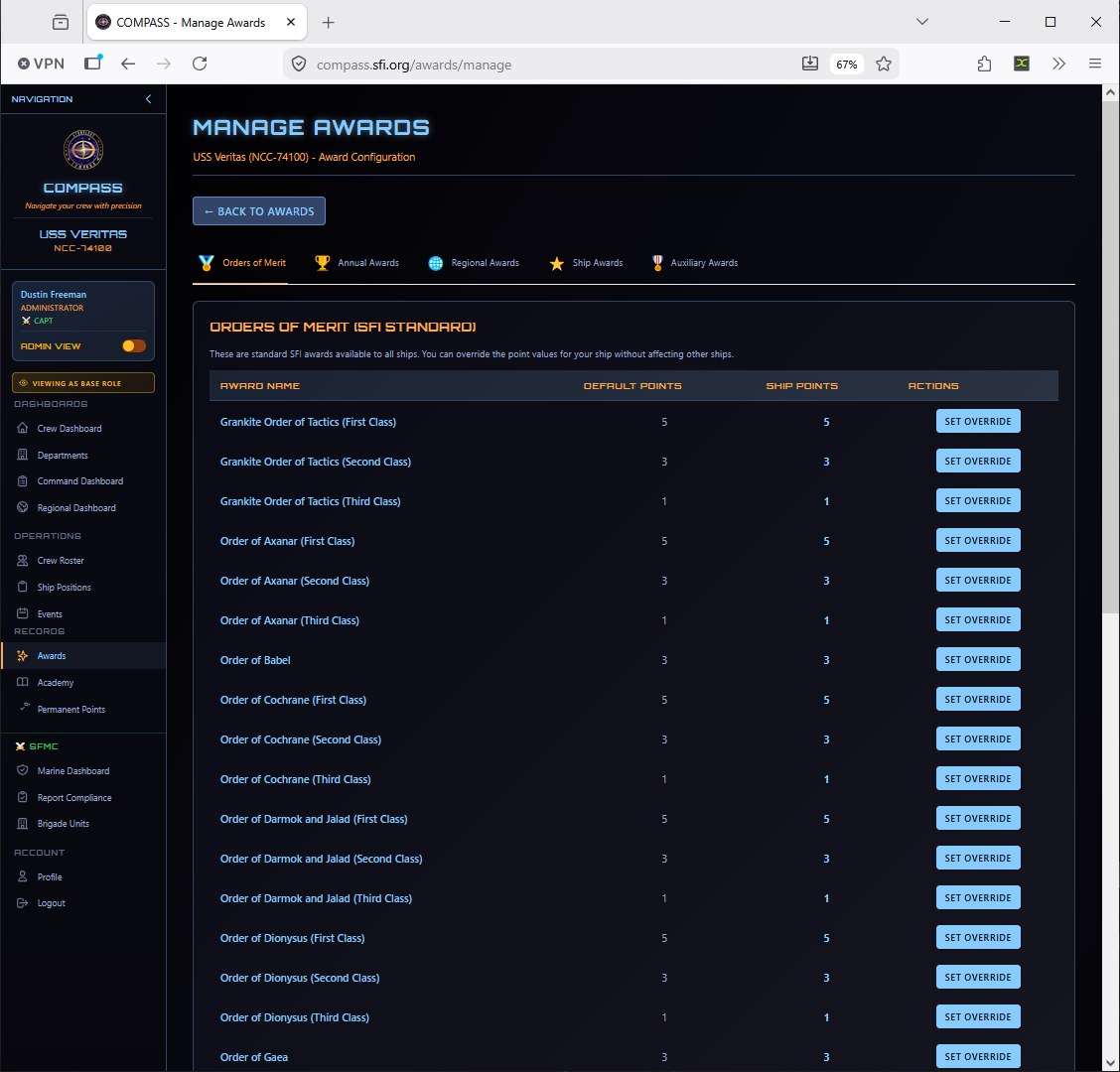
Each award shows the default SFI point value and your ship's current override. Click Set Override to customize any award's point value for your ship.
Event Point Adjustments
Give your crew a starting event point balance for activity earned before your chapter joined COMPASS, or correct recording errors in bulk.
Go to Ship Settings → Event Point Adjustments. See Opening Event Points for the full guide.
Note
Adjustments are counted inside each member's event point total, not shown separately. Entries cannot be edited or deleted — reverse one by recording the opposite amount.
Promotion Requirements
Configure the point and time-in-grade requirements for each rank promotion.
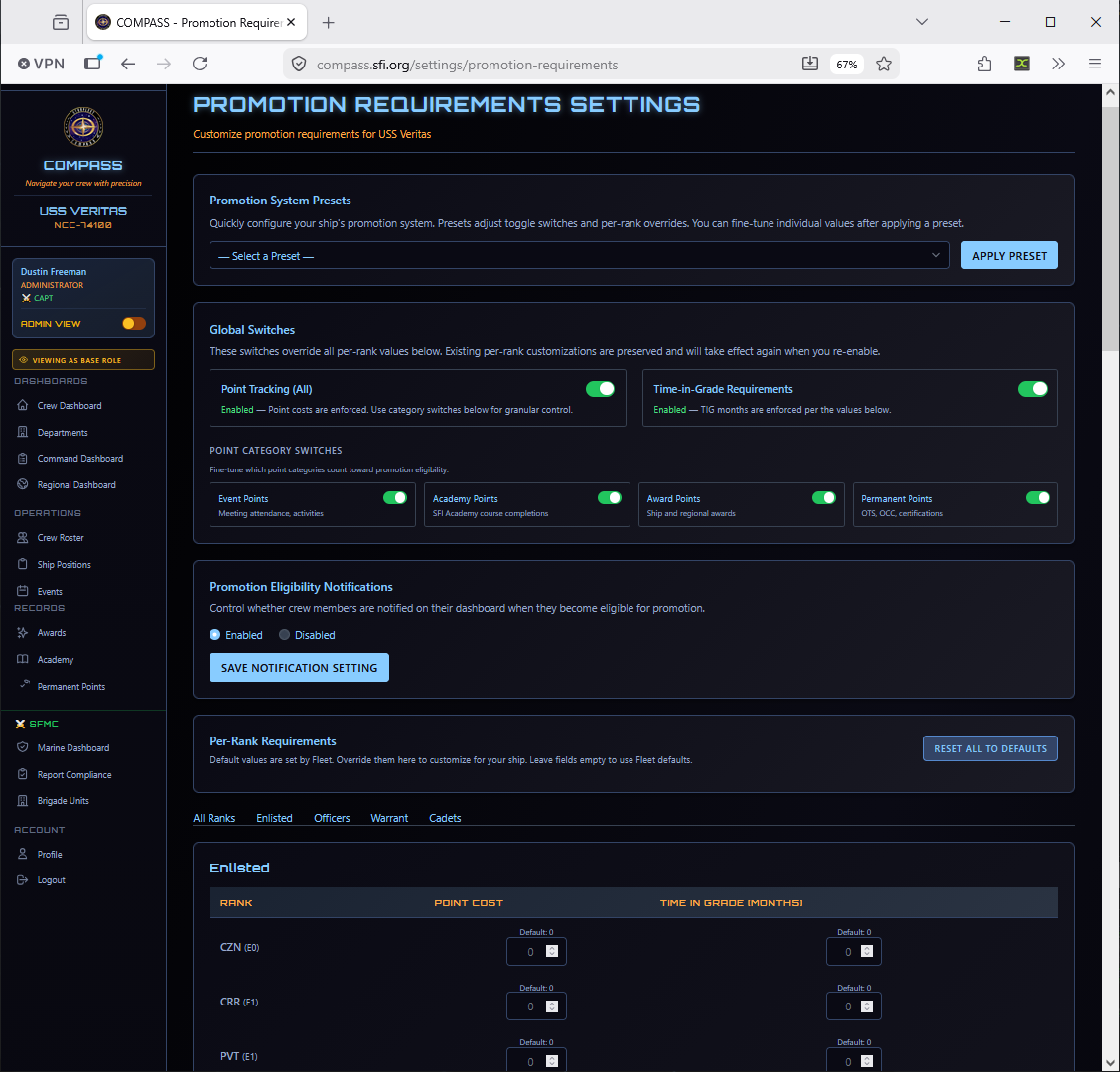
For each rank, you can set:
- Points Required — Minimum points to be eligible
- Time in Grade — Minimum months at current rank before promotion
Warning
Changes to promotion requirements take effect immediately and recalculate all crew eligibility. Review the Promotion Eligibility Report after making changes to see the impact.
Permanent Award Points
Configure how permanent point bonuses are applied for specific award types and leadership positions.
Command Action Delegation
Grant your XO — or, for events, OPS and SO — the authority to act on your behalf. Events, promotions, and awards each have their own set of actions you can turn on and off.
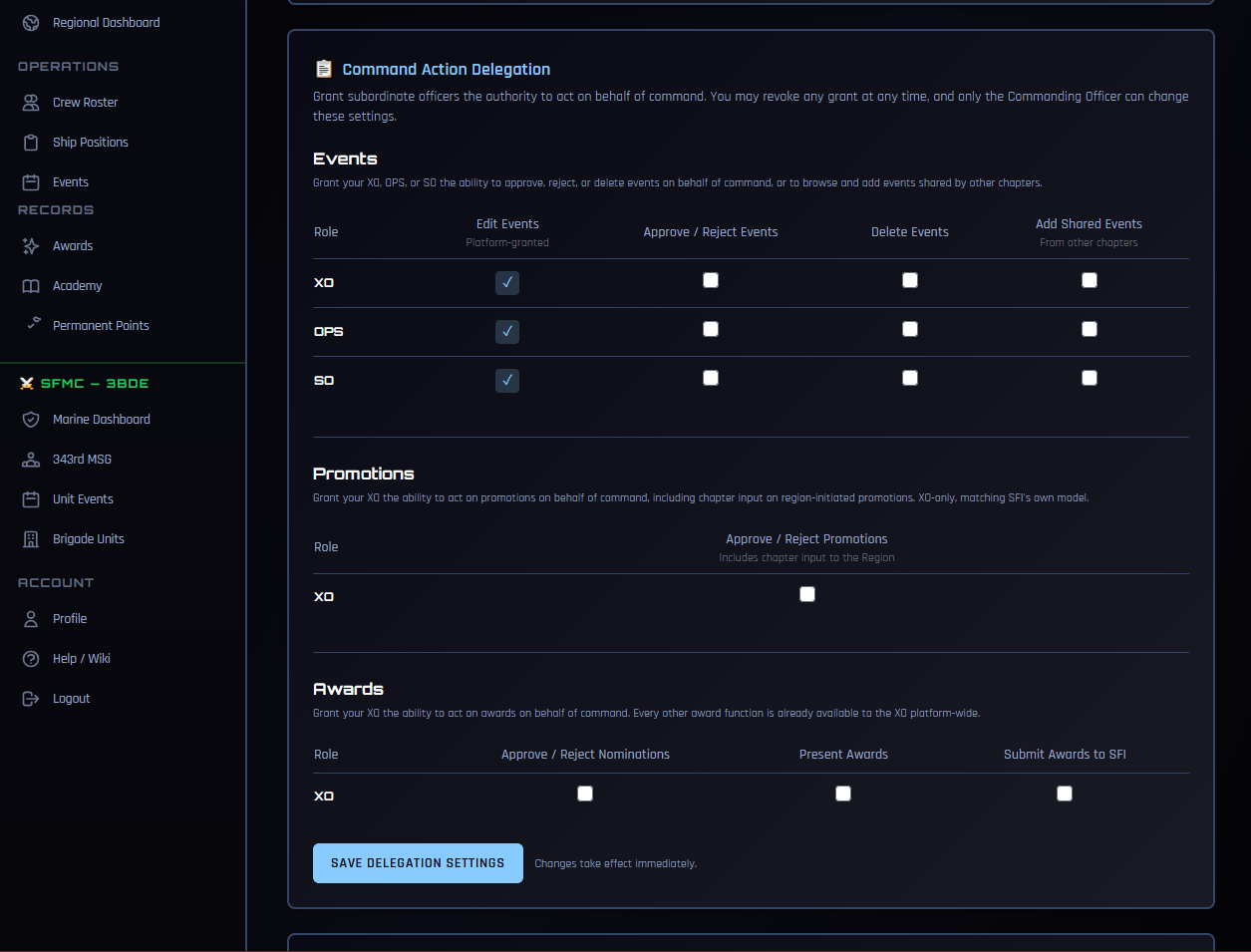
Only the CO sees this card, and grants can be revoked at any time. See Delegating Command Authority for the full guide.
Quick Links
Customize the quick-action links that appear on crew member dashboards. This is how you surface the most relevant resources for your crew — your ship's website, meeting schedule, Discord server, etc.
Go to Command Dashboard → Quick Links to manage these.
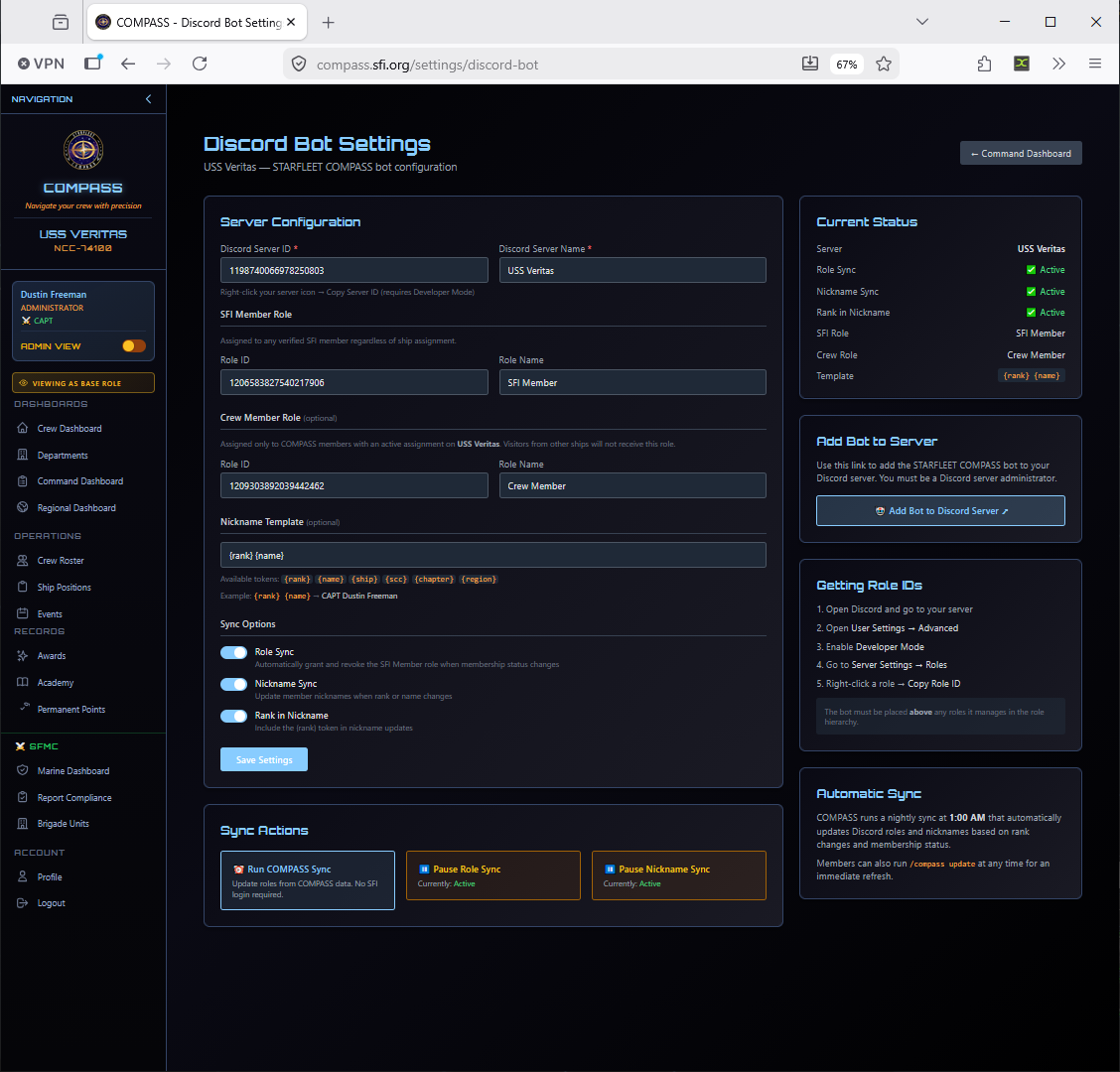
Discord Bot
If your ship uses a Discord server, COMPASS can sync roles, update member nicknames, and keep your Discord membership list in sync with your COMPASS roster.
Go to Command Dashboard → Discord Bot to configure the integration.
API Tokens
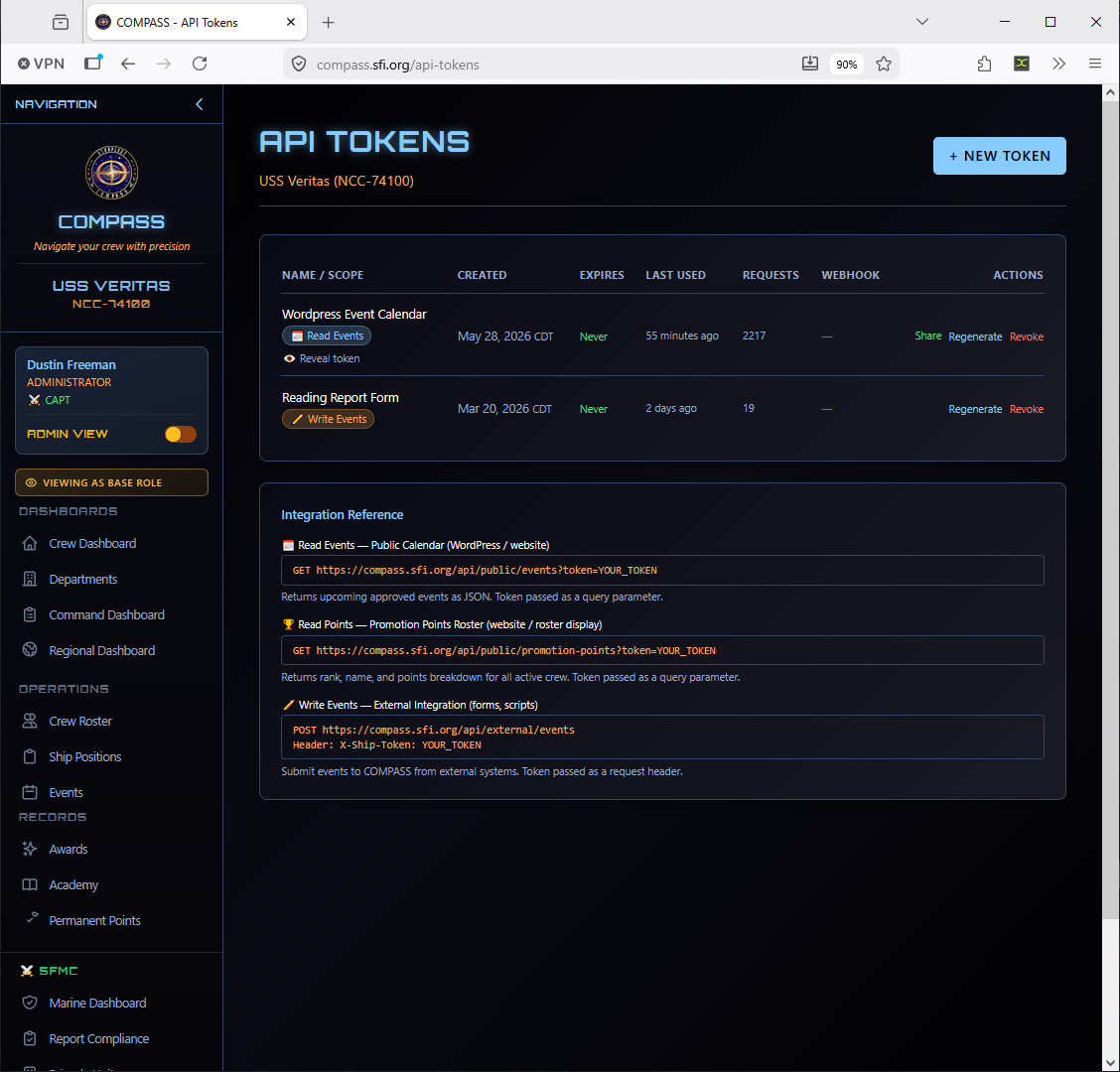
For ships or region staff using external integrations, API tokens can be generated here.
Go to Command Dashboard → API Tokens to manage tokens.